Docs navigation
REST API
Weather MCP
Agents as developers
Built for agents
Your agent signs you up, creates keys, and configures itself — zero dashboard clicks. Paste the prompt, or add the onboarding MCP yourself.
Smarter Weather covers the 50 US states and DC only. Every route that takes a point (lat and lon, zip or location) returns 404 outside-coverage for a point outside the 50 states and DC. /v1/alerts and /v1/observations return it for a bounding box that touches no US domain (CONUS, Alaska, Hawaii); a box that touches one may still include area outside the US. /v1/weather/batch reports it per item as outside_coverage, and /v1/point with points and /v1/series/batch mark such points out_of_domain, as they do a point the check could not reach in time (retry it). If the location lookup is unavailable, the check can briefly fail open. Routes keyed by a station, radar site, forecast office or alert id, and nationwide lists, are not filtered by point, so do not treat an empty result as an all-clear. See Errors.
Install the Smarter Weather onboarding skill. Run `npx skills add https://developers.smarterweather.com --skill smarterweather-onboarding` and select your agent. You can read the skill directly at https://developers.smarterweather.com/.well-known/skills/smarterweather-onboarding/SKILL.md (raw: https://raw.githubusercontent.com/smarterweather/developer/main/plugins/smarterweather-onboarding/skills/smarterweather-onboarding/SKILL.md). Then use the onboarding skill to sign up, mint an API key, and configure the weather MCP.
Manual config
Claude Code
claude mcp add smarterweather-onboarding -- npx -y @smarterweather/mcp-onboarding@latestCursor (.cursor/mcp.json); VS Code (.vscode/mcp.json) uses the servers key
{
  "mcpServers": {
    "smarterweather-onboarding": {
      "command": "npx",
      "args": [
        "-y",
        "@smarterweather/mcp-onboarding@latest"
      ]
    }
  }
}The onboarding flow, end to end
Anonymous discovery → OAuth (your agent's host prompts you once) → key creation → self-configuration. The tools below cover the whole account lifecycle:
| Tool | Auth | What it does |
|---|---|---|
get_plans | Anonymous | Compare plans and pricing |
get_documentation | Anonymous | Fetch docs for any surface |
sign_up | Anonymous | Start free Clerk signup |
start_trial | stdio | Mint via the stdio bridge; writes .env |
create_api_key | OAuth | Mint a key (idempotent) |
claim_trial_key | OAuth | Claim a trial key to free |
list_api_keys | OAuth | Enumerate your keys |
rotate_api_key | OAuth | Rotate a compromised key |
revoke_api_key | OAuth | Revoke a key |
configure_mcp | OAuth | Emit ready-to-paste MCP config |
get_quickstart | OAuth | Personalized first REST/MCP calls |
get_usage | OAuth | Current-cycle usage and limits |
get_billing_status | OAuth | Plan, invoices, payment state |
upgrade_plan | OAuth | Start a plan-upgrade checkout |
open_billing_portal | OAuth | Open the Stripe billing portal |
Machine-readable everything
Every claim on this page is backed by a live artifact your agent can fetch and verify in under a minute:
Agent Skills
Installable procedural knowledge in the open SKILL.md standard (Claude Code, Cursor, Codex CLI, Gemini CLI, Copilot, and more). Point your agent at a skill URL or drop it into your skills directory:
smarterweather-apiREST integration: auth, endpoints, RFC 7807 errors, rate-limit handling.
smarterweather-mcpMCP install and onboarding flow, plus keyless x402 pay-per-call access.
smarterweather-onboardingOne-shot signup, API key minting, and weather-client configuration. Remove after configure.
Discovery index: /.well-known/skills/index.json — also listed in llms.txt.
MCP Apps widgets
Onboarding tools return interactive widgets that render inside MCP-Apps-capable hosts — sign-up, usage, configuration, and upgrades without leaving the conversation:
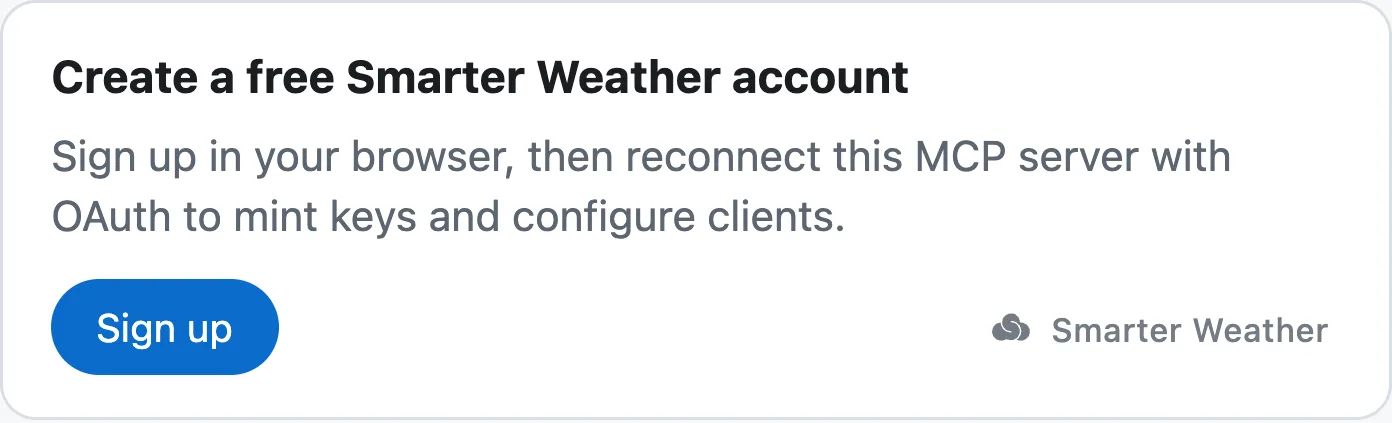
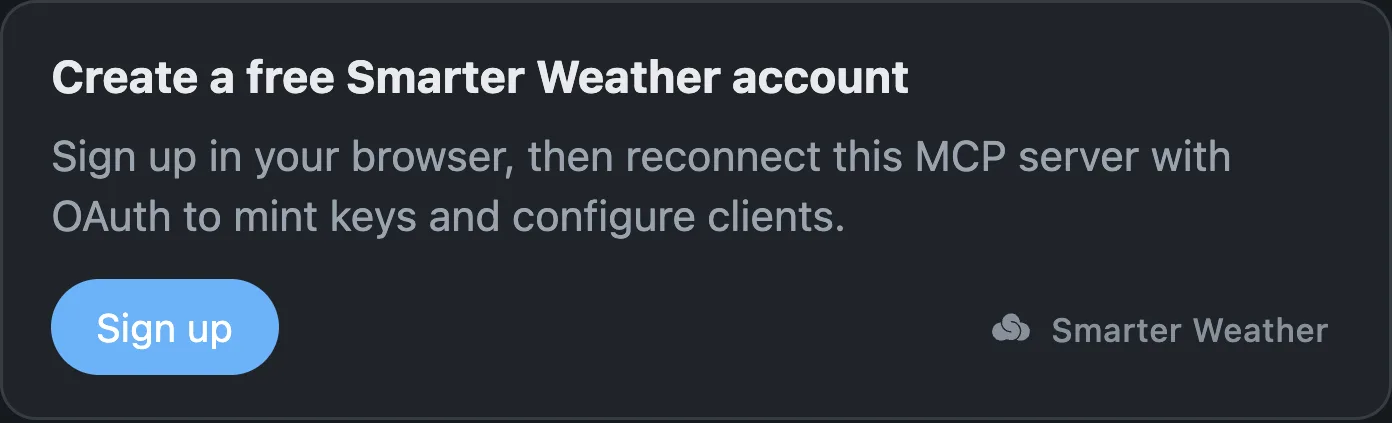
sign_up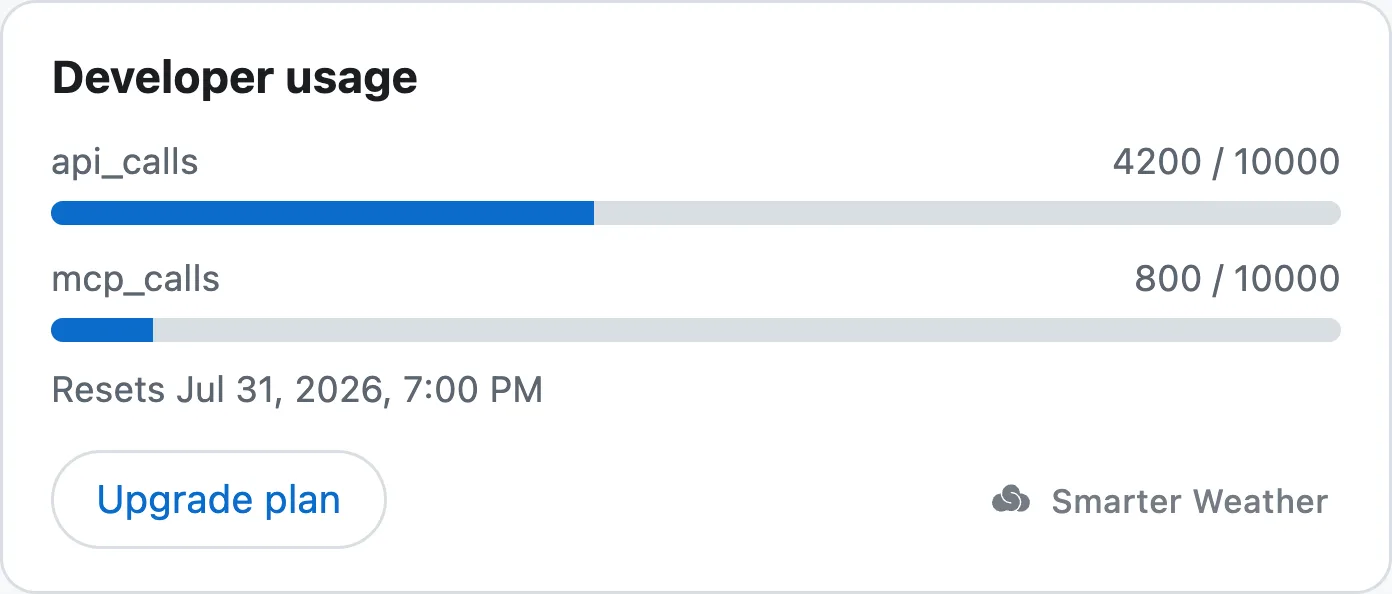
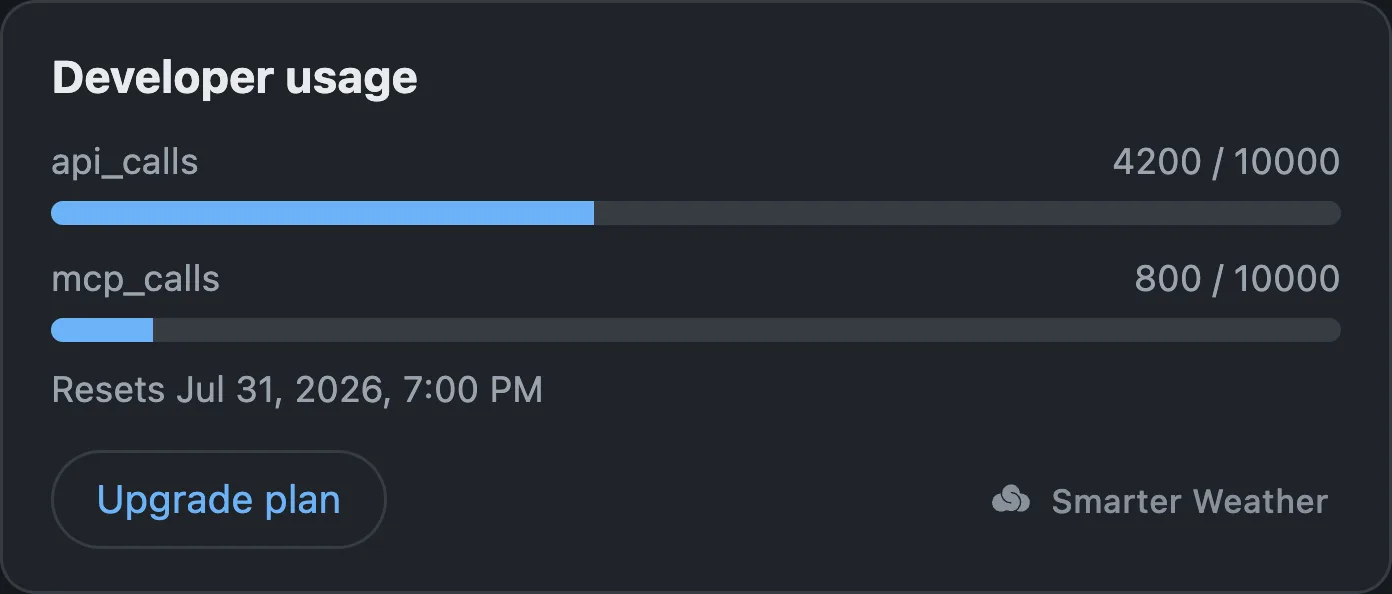
get_usage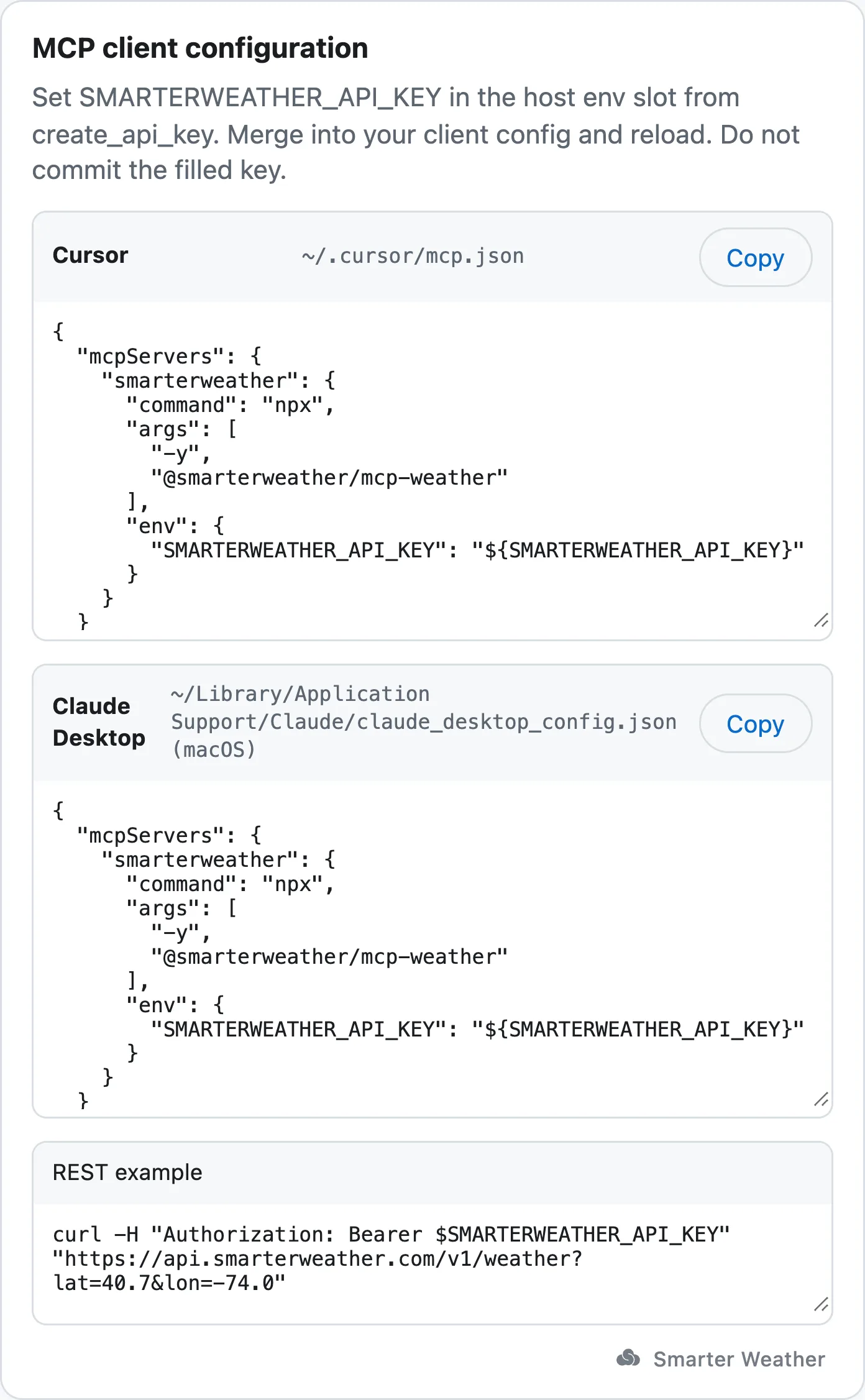
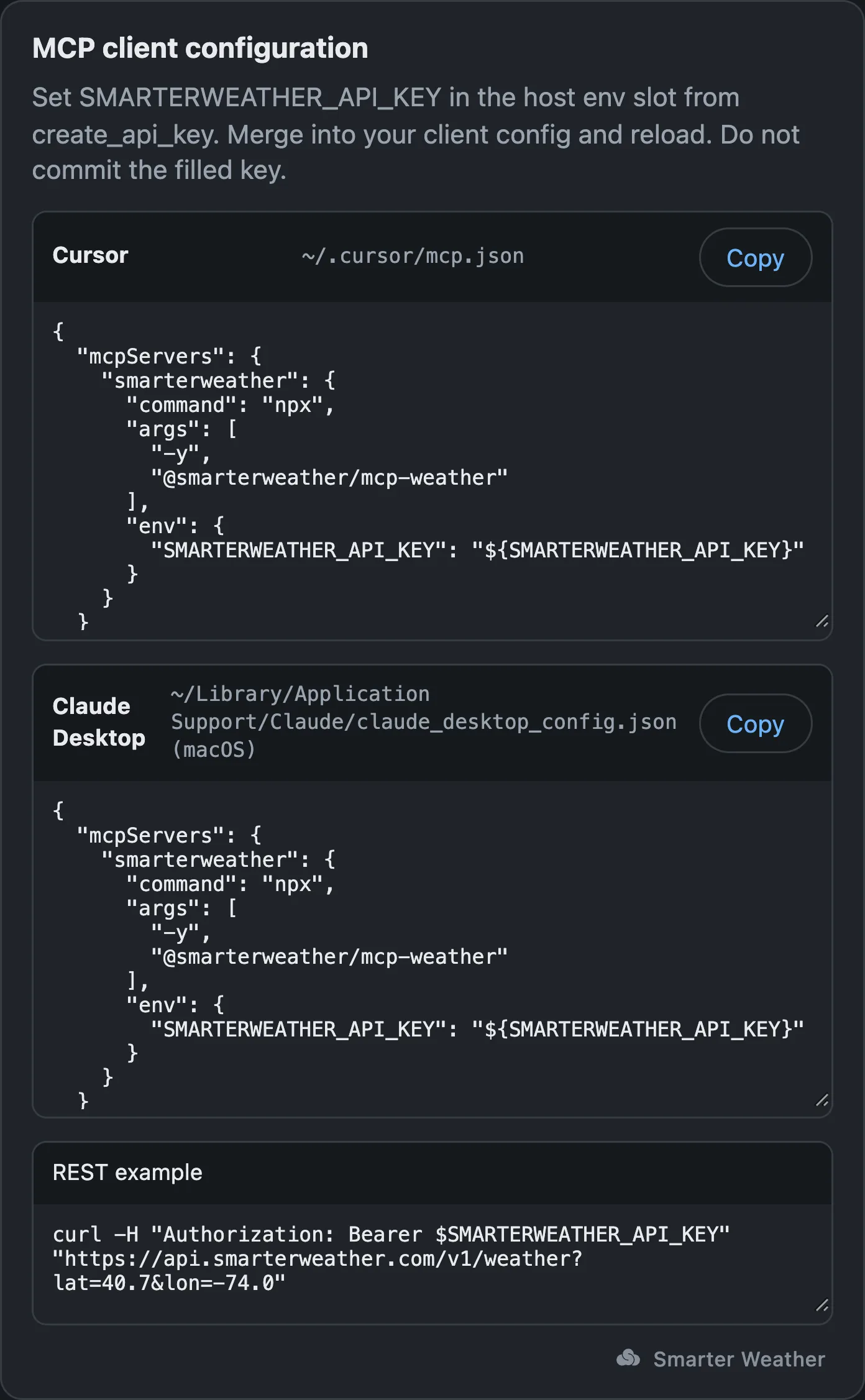
configure_mcp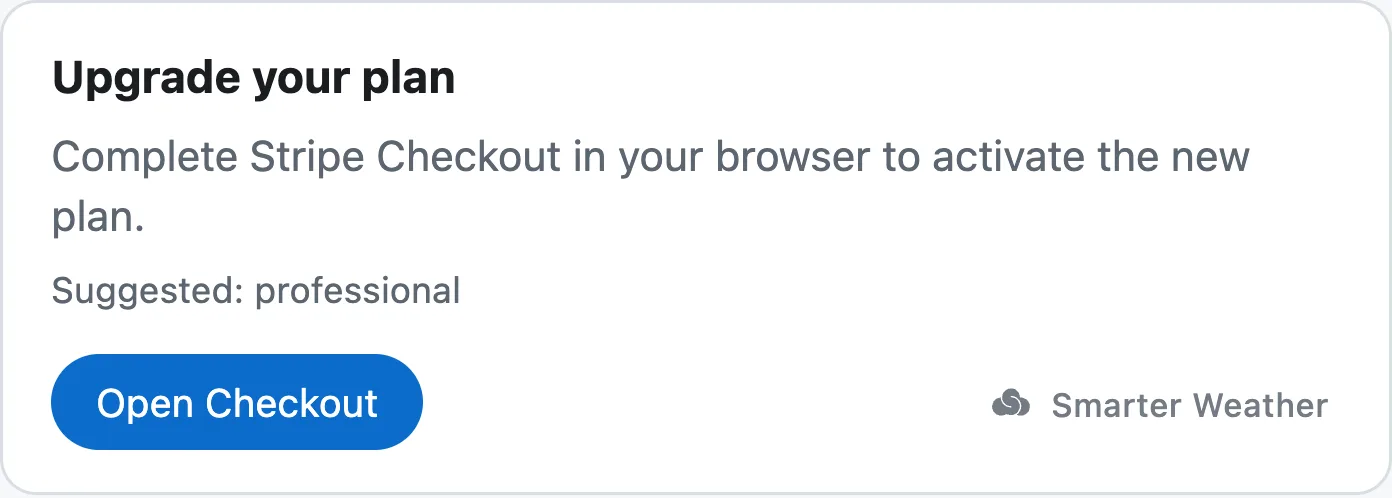
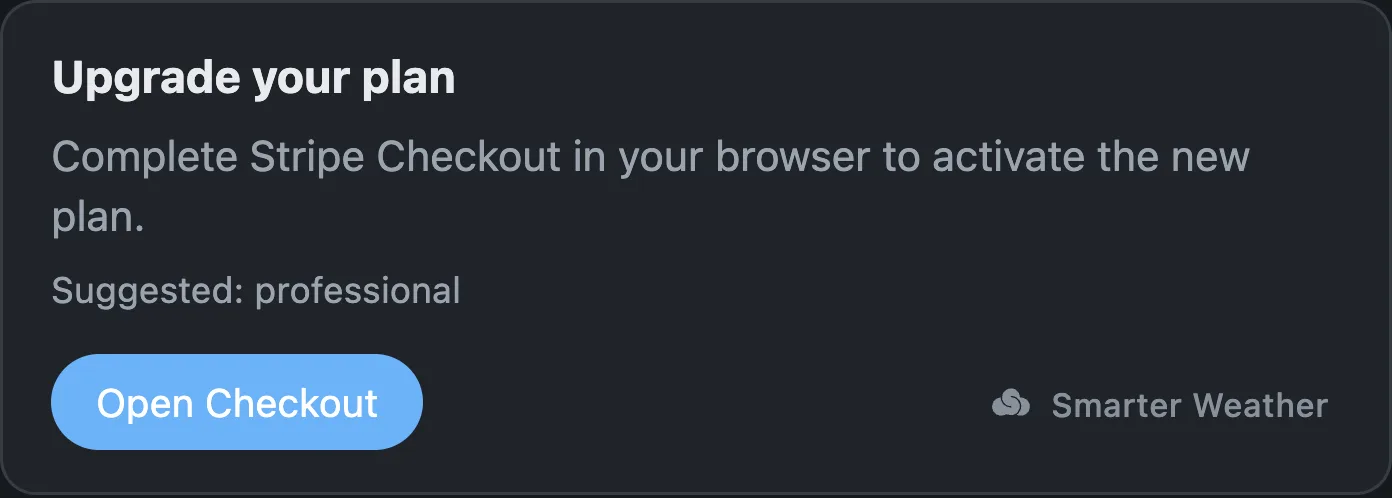
upgrade_planAgentic payments (x402)
Agents with wallets can pay per call — no account, no API key. The weather MCP advertises in-band x402 payment requirements (USDC on Base); discovery tools like search_locations, reverse_geocode, list_datasets, and describe_dataset stay free, and paid tools start at $0.01 per call.
- Agent calls a paid tool keylessly and receives payment requirements in-band.
- Agent signs a USDC payment authorization with its wallet.
- Retry with proof — the tool executes and the settlement receipt returns in metadata.
Prefer a metered plan? Keys via the onboarding MCP above work on the same endpoint — see pricing.
Key handling
Every recommended mint path (login, trial, stdio start_trial, and — via the stdio bridge — create_api_key / rotate_api_key) already writes SMARTERWEATHER_API_KEY to .env (mode 0600) and returns only a prefix. If you used a raw HTTP mint, do the same by hand. These rules are what next_steps.key_handling on every 401 points at.
- Keep the key only in
.envasSMARTERWEATHER_API_KEY=…(gitignored). Never paste it into chat. - Read it from the environment in code (
process.env,os.environ); never inline the literal. For Cursor MCP, preferenvFilepointing at the project.env. - Never echo the key into chat, logs, or a commit message.
- Use
sw_test_*keys in CI and for load tests; rotate from the dashboard if a key ever lands in a repository.
Human present: login
Run npx -y @smarterweather/mcp-onboarding@latest login. It prints an approval link carrying a short code; the human opens the link, signs in, checks the code matches, and approves. The CLI then writes a full key to .env (mode 0600, gitignored) and prints only a prefix.
- A 401 leads with
recommended: device_flowand carries the command innext_steps.device_flow.command. loginblocks until the human approves (codes last 10 minutes). Run it in the background or with a long shell timeout, and relay the printed link to the human.- Driving the RFC 8628 device grant yourself? See the device flow quickstart.
No human present: trial
Run npx -y @smarterweather/mcp-onboarding@latest trial (or stdio start_trial). It mints a short-lived sw_live_* trial key into .env, prints only a prefix and claim link, then a human can claim the same bearer onto the free tier.
- A 401 with
if_no_human_present: trialadvertisesnext_steps.trial.commandwhen trial keys are on. - Raw HTTP mint endpoints return the bearer in the body's
api_keyfield — write only that field to.envasSMARTERWEATHER_API_KEY=; never print it. Prefer the CLI / stdio sink. - A human opens the claim URL, signs in, accepts the developer terms, and claims. The same bearer continues to work as free.
- After OAuth,
claim_trial_keyaccepts a ticket without re-exposing the bearer.
Then: the weather MCP
Once your agent has a key (or a wallet), point it at the weather MCP — 36 tools for forecasts, alerts, radar, probabilistic guidance, and raw model data. See the tool reference.
One-click installs are global; for the key, put the per-project config in the project's .cursor/mcp.json / .vscode/mcp.json.
Manual config
Claude Code
claude mcp add smarterweather -- npx -y @smarterweather/mcp-weather@latestPer-project Cursor (.cursor/mcp.json); VS Code (.vscode/mcp.json) uses the servers key
{
  "mcpServers": {
    "smarterweather": {
      "type": "stdio",
      "command": "npx",
      "args": [
        "-y",
        "@smarterweather/mcp-weather@latest"
      ],
      "envFile": "${workspaceFolder}/.env"
    }
  }
}Reads SMARTERWEATHER_API_KEY from your project's .env (written by login / trial). With no key, tool calls get x402 payment requirements; run login or trial.